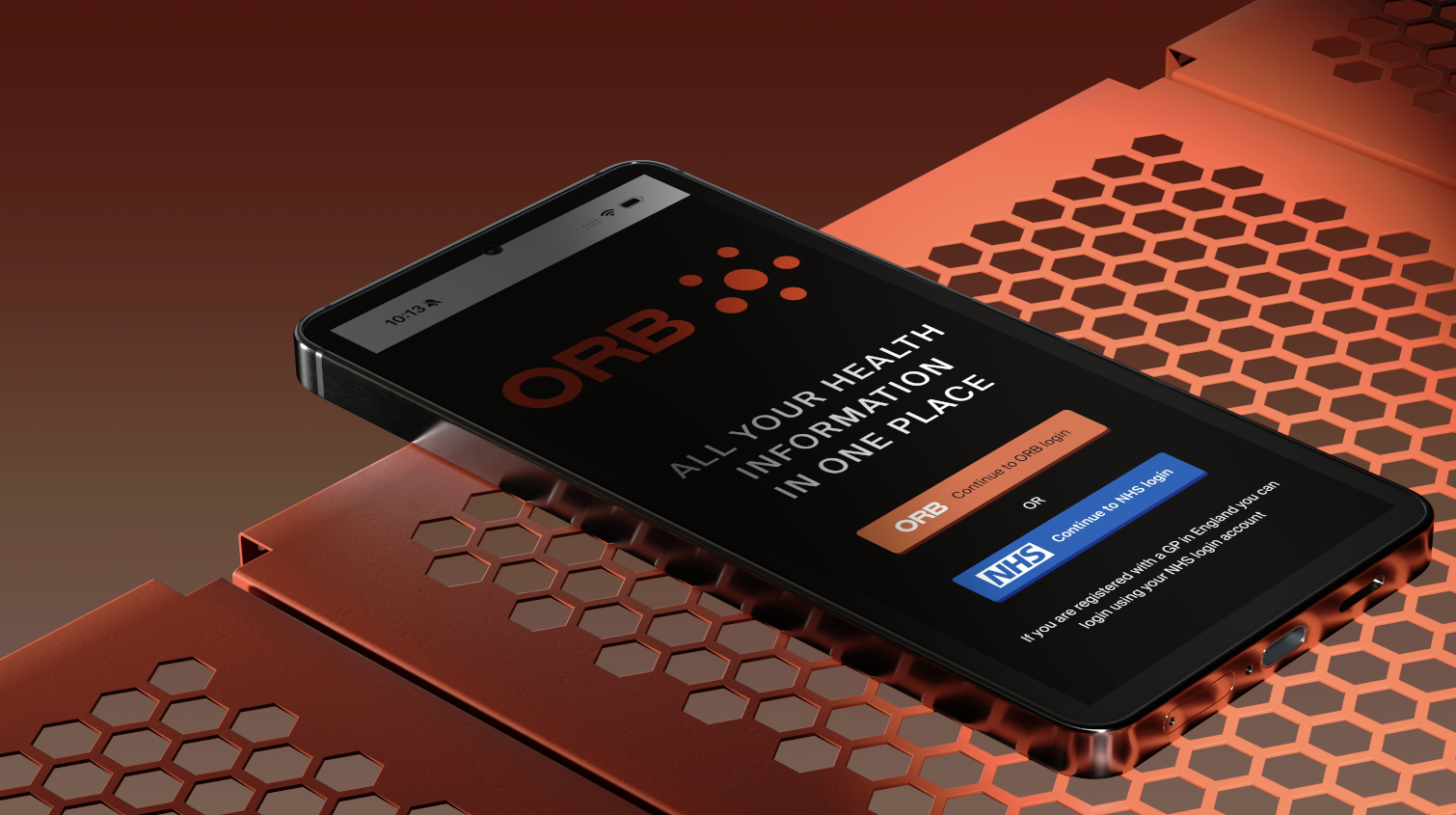
ORB for Patients
Keep all your health information in one place. Give private clinicians full access to your medical history for better care, fewer repeated tests and more confident decisions.

View your complete NHS GP records, including consultation notes, prescriptions, allergies and investigations. Plus private notes and health information from your private GP and practitioners, all in one secure location.
Give your private doctors and clinics access to your records, ensuring they have the details they need without asking the same questions repeatedly.
Easily book appointments with your private GP. You both have access to your appointment schedule and can change appointments using ORB.
With internationally recognised medical coding, your records are clear and easy to share with specialists.
ORB integrates with SignatureRx, your NHS medical history and the Drugs & Medicine Database for secure, reliable prescribing.
How to link your records
For simple, secure access to your GP records in ORB, you can register now through Patient.Info, with no need to wait for a link from your GP or clinic.
If you already have an appointment, your private GP or clinic may send you a registration link or QR code to connect your account directly with theirs. The same steps apply whether you register via Patient.info or through a clinic invitation.


Registration
You can register either using the Patient.info link above or via a link or QR code provided by your clinician.
Login to the NHS app when prompted to link your GP records to ORB.

Access ORB
Visit app.orbforhealth.com to login to your page. You can view all your personal information and medical records here.

Grant Consent
You are in control of all your personal information.
You will be asked to give consent to share your information with your clinician.

Missing Data?
On occasion your GP records may be incomplete prior to 2020.
You have a legal right to access these records and can simply call your GP to request access. We also provide a downloadable letter for this request.
How to share your NHS GP Records Securely
Quickly and securely share your NHS GP records. This helps your team review your history and medications to provide better, faster care.
Connecting your records takes just minutes. Watch the video below to learn more.
Your NHS App
You have a right to access your NHS data, please watch the video below for more information.
How to Register
Registration is simple and secure, and in most cases takes a few minutes. Watch the short video below for a walk through of the process.
Request Full Records Template
If your practice requires a written request for full records, you can download and use the templates below.

Privacy and Data Protection
ORB securely stores and encrypts all information ensuring that only you, and those you choose to share it with, can access it.